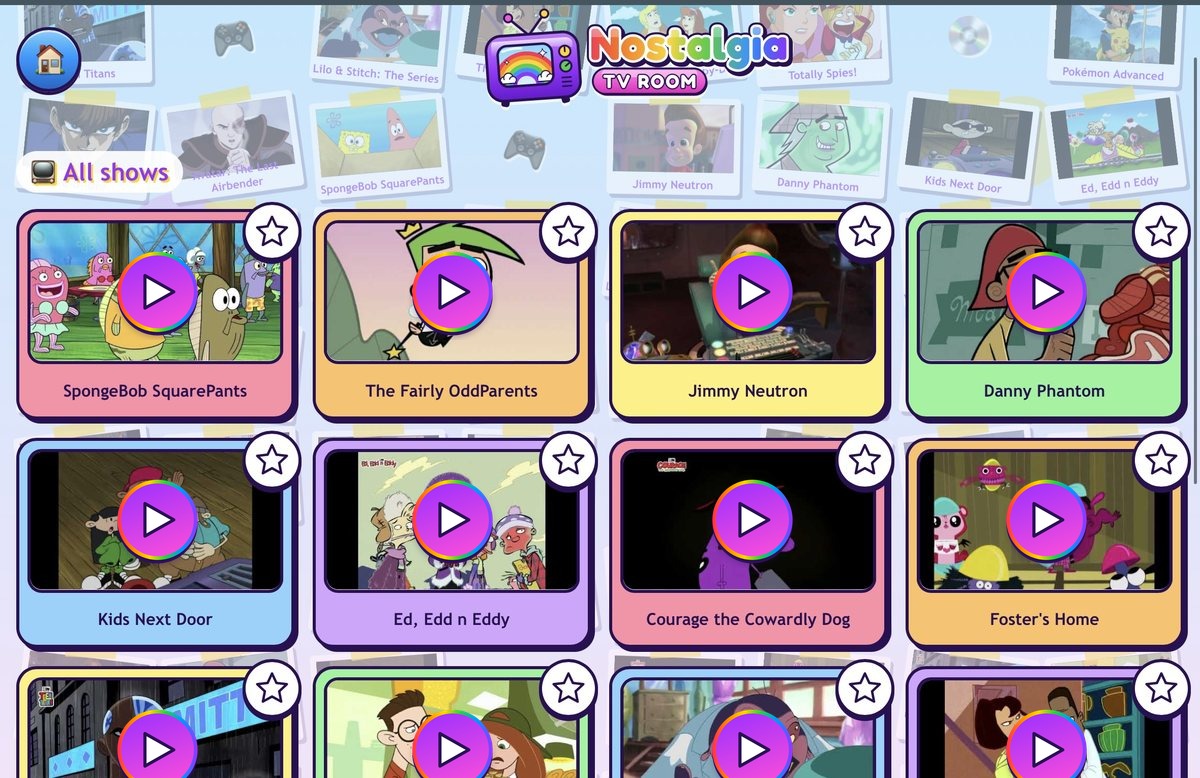
Tap a picture, watch
Every show is a big photo button. Tap the star to make it a favorite.
A calm TV channel you fill with the shows you grew up on. Little ones tap big pictures to watch. You pick every show.
Works on iPhone, iPad and any web browser. No account, no sign-up.
A quick look at the TV room. Tap a picture, and the show starts.
Everything is a picture. No reading, no search box, no endless feed of random videos.
Every show is a big photo button. Tap the star to make it a favorite.
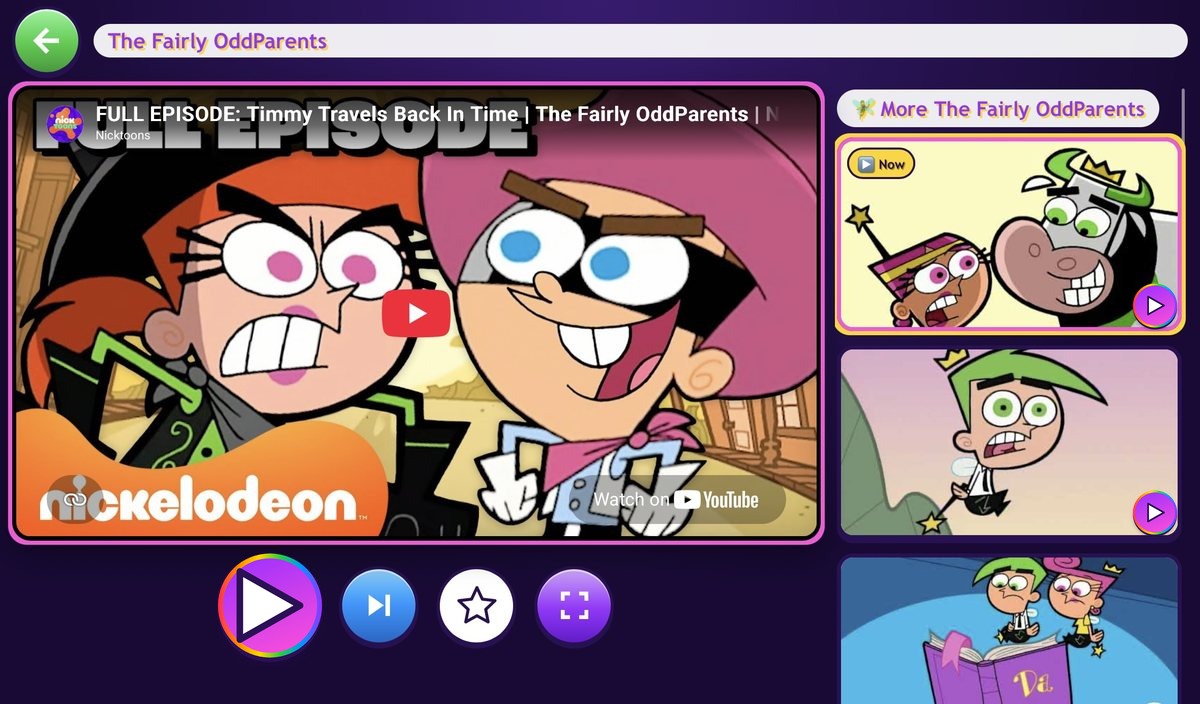
Huge play, next and full-screen buttons. Episodes keep coming, one after another.
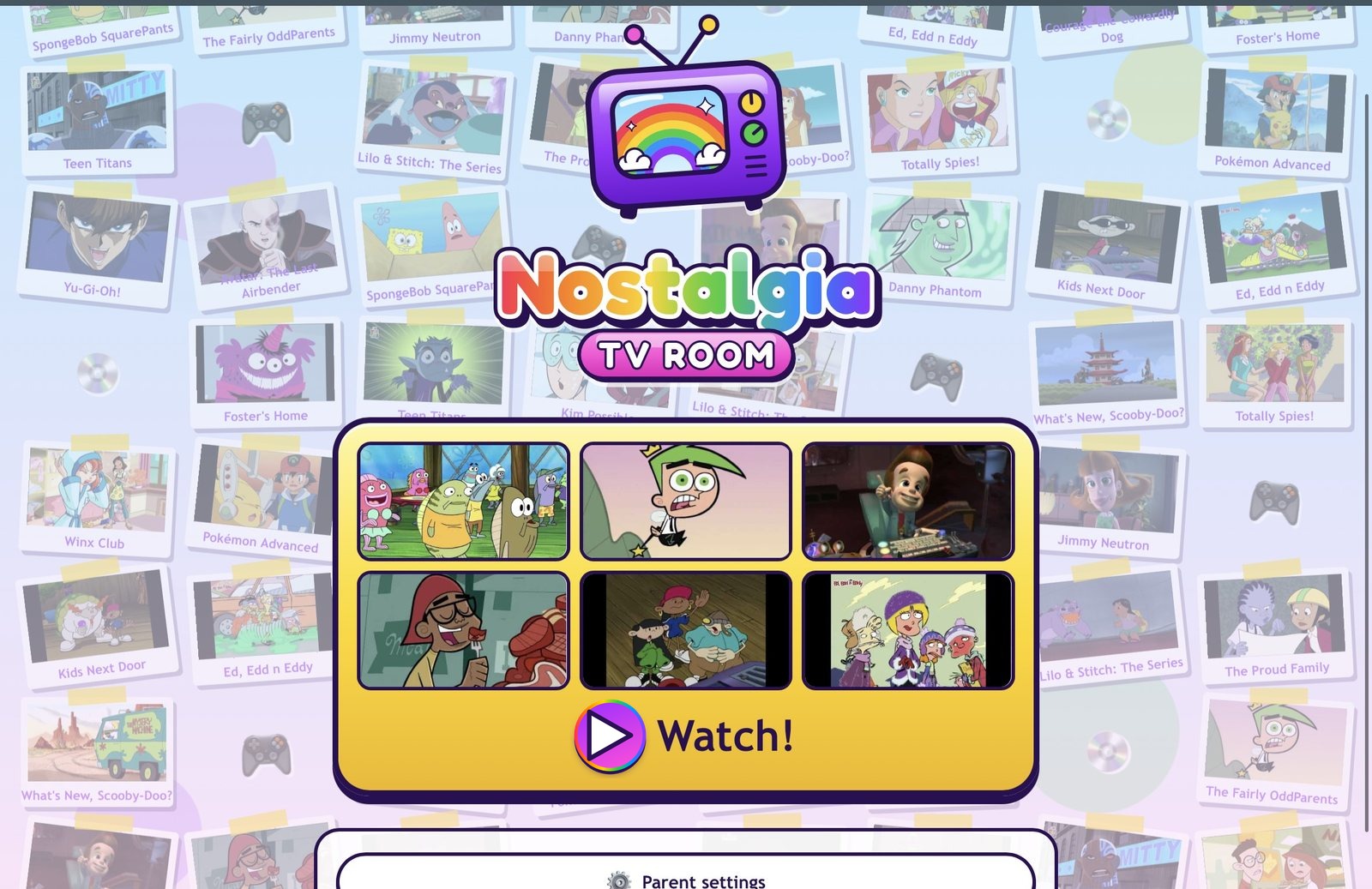
The background fills with snapshots of the shows your family loves.
Thirty shows to start, sorted into rows like an old TV guide.
The after-school lineup: SpongeBob, The Fairly OddParents, Kim Possible, Kids Next Door, Ed, Edd n Eddy, Pokémon, Code Lyoko and more.
Restored classic shorts with Mickey, Donald, Goofy, Pluto and Chip 'n' Dale.
Tom & Jerry, Looney Tunes, Popeye and The Pink Panther.
The full lineup: SpongeBob SquarePants, The Fairly OddParents, Jimmy Neutron, Danny Phantom, Codename: Kids Next Door, Ed, Edd n Eddy, Courage the Cowardly Dog, Foster's Home for Imaginary Friends, Teen Titans, Kim Possible, Lilo & Stitch: The Series, The Proud Family, What's New, Scooby-Doo?, Totally Spies!, Winx Club, Pokémon Advanced, Yu-Gi-Oh!, Avatar: The Last Airbender, Mr. Bean: The Animated Series, Code Lyoko, Johnny Test, classic Mickey Mouse, Donald Duck, Goofy, Pluto and Chip 'n' Dale shorts, Tom & Jerry, Looney Tunes, Popeye and The Pink Panther.
Videos play with YouTube's official player, from the shows' own YouTube channels. Nostalgia TV Room isn't made by, sponsored by, or connected to YouTube or any of the studios. Show names belong to their owners. The lineup can change when channels change their videos.
Yes. Every show is free to watch, with no account or sign-up.
Yes. In Safari, tap ⋯ → Share → Add to Home Screen. You get a rainbow TV icon that opens full screen. See the step-by-step guide with pictures.
Nostalgia TV Room has no ads of its own. The videos come from YouTube, and YouTube may show its own ads before some videos.
No. There are no accounts and nothing to sign up for. Favorites and settings stay on your device. YouTube's player follows Google's privacy policy. Details are in our privacy policy.
No. There is no search and no suggestion feed. In the iPhone and iPad app, links inside the player that would open YouTube are blocked. For extra peace of mind, turn on Guided Access (iPhone and iPad) to lock the device to one app.
The app skips them without showing an error, and the "Check all shows" button in Parent settings finds and hides them ahead of time.
iPhone and iPad (the app), plus any modern web browser on phones, tablets and computers.